
Thumblock
Thumblock
Local. Secure. Password Manager.
Share
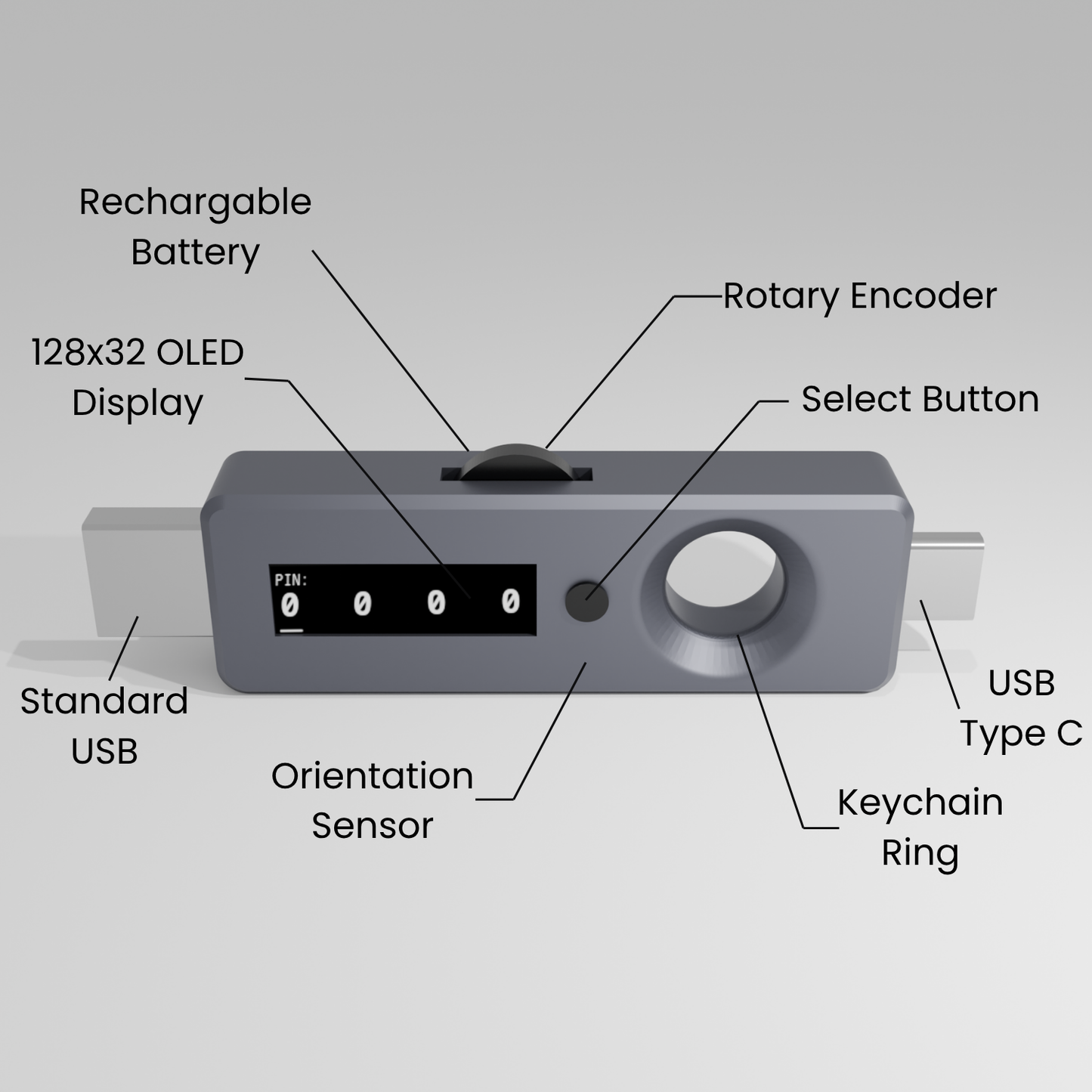
You made it this far. Sign up to be notified for the Thumblock beta!
How to paste passwords
Turn on
You can do it! Just press the button 5 times
Enter your PIN
Scroll the wheel to the number, press button, and continue to your 4 digit PIN
Navigate the simple UI
Find the password you want to paste by scrolling the wheel
Plug it in
You got this! You're more than halfway there! Put it in the device of your choosing - computer, Iphone, Android... and...
Press button
After it's plugged in, just press the button and away you go. Password typed. Simple enough, we hope at least
Turn off (if you would like)
Press the button 5 times and save some juice for the next time you use it
Another Pro Tip: If it needs charging, just plug it into a device that you can paste with and it will charge right up
How to edit passwords
Turn on
Press button 5 times. You got this!
Enter your PIN
Use scroll wheel. Press button to go to next number. Put in the PIN that you set
Switch modes
Hold button for 2 seconds to switch from "Inject" to "Edit" mode
Plug it in
Any device that can edit a .txt file is what you need to edit the file. Computer, Iphone, Android, they can all do this by default
Edit file
Edit the "Passwords.txt" file. If you need help with how to do it correctly, look at the README.txt file. Make sure you save the file before doing the next step
Save file to Thumblock
To confirm the save, press the button for 2 seconds again. This will also switch back to "Inject" mode